Source: designrush
In today’s fast-paced business environment, project management tools are no longer optional; they’re essential. Efficient project management ensures that teams meet deadlines, adhere to budgets, and achieve strategic goals. With remote work, hybrid teams, and global collaborators becoming the norm in 2025, businesses will need tools that help make workflows more efficient, communication better, and productivity higher.
The article being provided discusses the top 10 project management tools that will transform how businesses plan, track, and execute projects. The article will explain features, pricing, appropriate users, and why to remain market leaders.
Top 10 Project Management Tools
| Rank | Tool Name | Pricing |
| 1 | Trello | Free / $5–$12 per user/month |
| 2 | Asana | Free / $10–$24 per user/month |
| 3 | Monday.com | $8–$16 per user/month |
| 4 | ClickUp | Free / $5–$19 per user/month |
| 5 | Jira | $7–$14 per user/month |
| 6 | Basecamp | $99 flat/month |
| 7 | Smartsheet | $7–$25 per user/month |
| 8 | Wrike | Free / $9.80–$24.80 per user/month |
| 9 | Zoho Projects | Free / $5–$10 per user/month |
| 10 | Teamwork | $10–$18 per user/month |
1. Trello – Best Kanban Project Management Tool
Source: appsumo
Overview
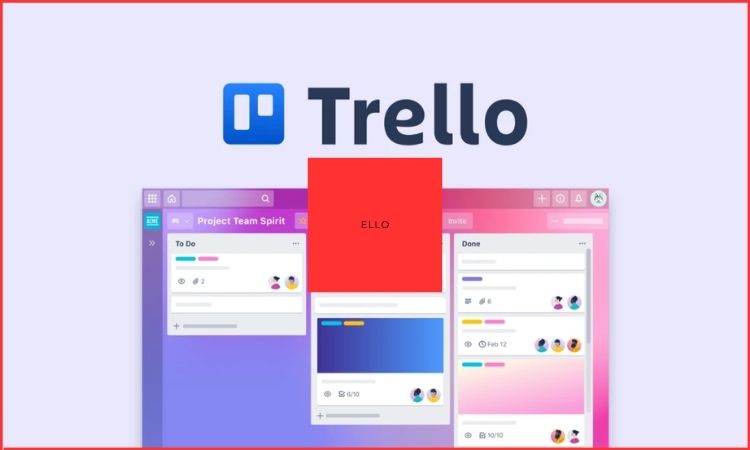
Trello is a straightforward project management tool that employs a Kanban-style board system to organize tasks into cards that can move through columns labeled To-Do, In Progress and Done. Trello is visually appealing and is good at showcasing task deadlines, providing information on what tasks are completed and what tasks are remaining.
Key Features
Trello has some great features that help with collaboration. Trello integrates easily with Slack, Google Drive and Dropbox. Trello is simple and very easy to learn, and as such is a great tool for small teams and startups.
2. Asana – Task and Workflow Management Tool
Source: appsumo
Overview
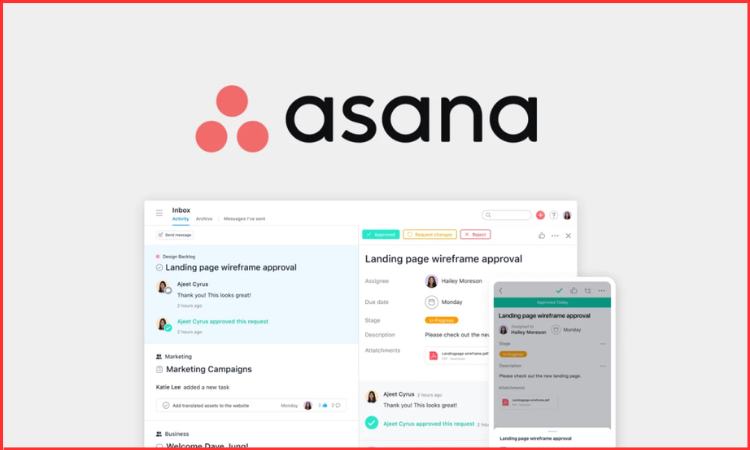
Asana is a task and workflow management tool that works for projects that are simple to complex. Users are able to build timelines, task lists and dashboards that can fairly clearly track the work. Asana will also have project templates for projects to help save time and minimize the new setup work.
Key Features
Asana is strong too in terms of reporting and productivity, around team performance, unused capacity, blockers, etc. It will help managers get a good sense of how their teams are doing. Asana is simple enough that smaller teams get value out of their experience but sophisticated enough for growing teams and mid-sized companies.
3. Monday.com – Customizable Project Management Platform

Source: monday
Overview
Monday.com provides customizable workflows and visual dashboards that enable teams to create boards customized to marketing, human resources, sales, or IT core functions. Automation eliminates repetitive work and allows the team to focus on priority tasks.
Key Features
It is scalable and designed for both small teams and large enterprises. Additionally, because of its flexibility, Monday.com can easily evolve with business processes and operational requirements.
4. ClickUp – All-in-One Productivity Platform
Source: wavebox
Overview
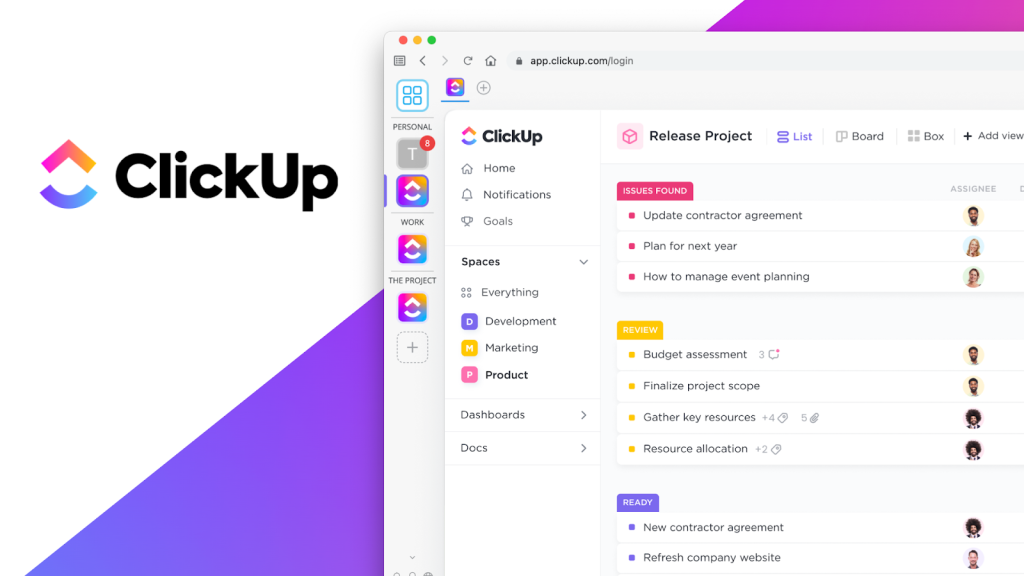
ClickUp is an all-in-one productivity platform that consolidates tasks, documents, goals, and time tracking in one location. Centralizing files decreases the need for too many apps, which saves time and costs.
Key Features
To create additional flexibility, teams can select different project views like a list view, board view, calendar, or Gantt charts. ClickUp is suitable for all businesses and is designed for those looking for one complete project management platform.
5. Jira – Agile Project Management Tool for IT Teams
Source: infoq
Overview
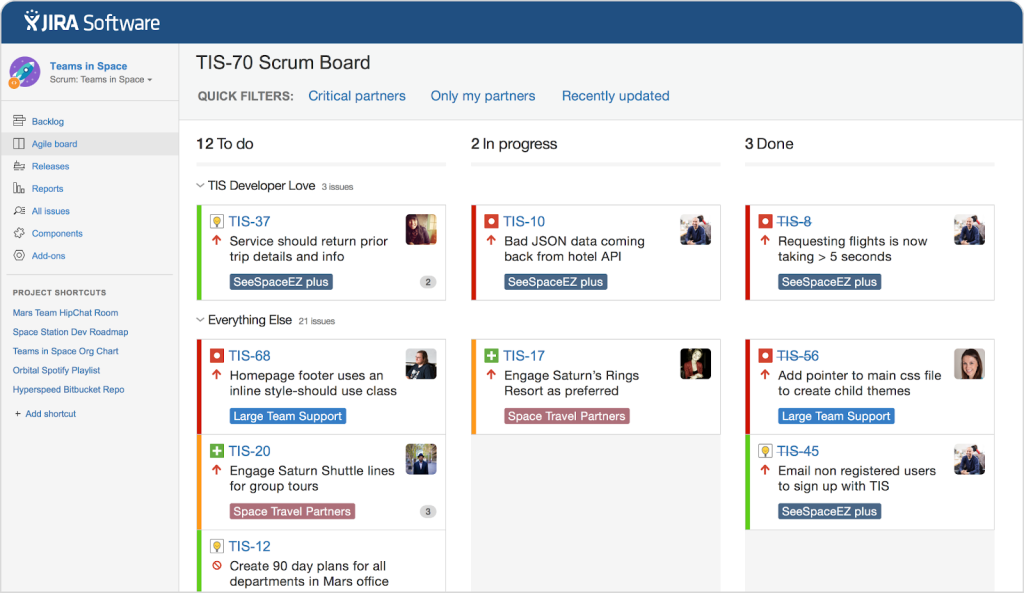
Jira was built with software development and agile teams in mind. Its Scrum and Kanban boards and backlog and sprint planning features make it especially suited for managing coding projects.
Key Features
One of the biggest advantages to using Jira is that it integrates well with common tools developers use (for example, GitHub and Confluence), meaning that the workflow feels seamless. Jira is common in the IT space and, especially, in agile organizations.
6. Basecamp – Simple Collaboration and Project Management

Source: yourtechstory
Overview
Basecamp is simpler and more communicative compared to others. It is also unique in having simple task lists and some scheduling or file storage and chat in a common interface, which is great for collaboration.
Key Features
Basecamp, as an application, is geared more towards creative agency work or remote teams. It minimizes distractions and social pressures and helps to keep all conversations organized in one place.
7. Smartsheet – Spreadsheet-Based Project Management Tool
Source: makeuseof
Overview
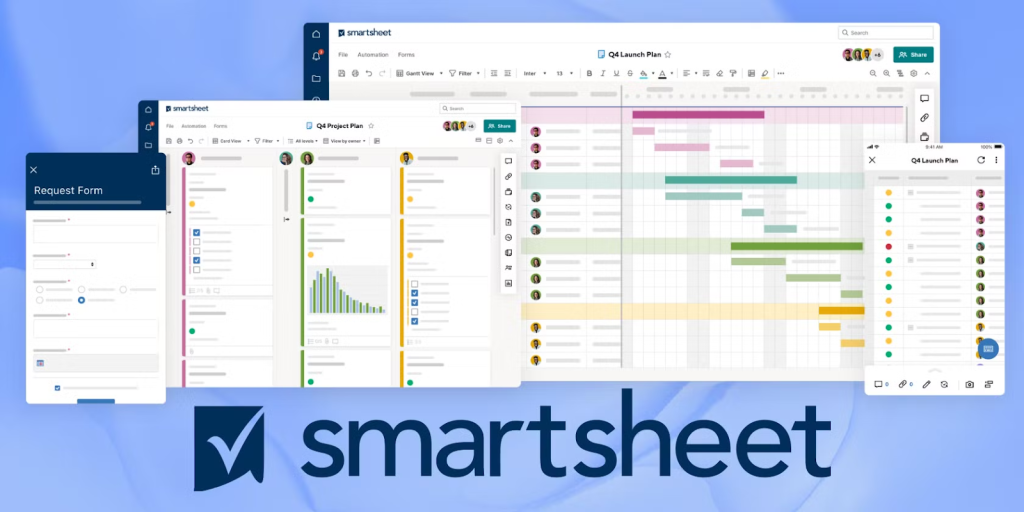
Smartsheet provides a powerful spreadsheet interface; however, it has project management capabilities. Smartsheet can support automation routines, report details, and drive teamwork, which is why it’s advisable for large firms.
Key Features
If you are used to spreadsheets like Excel, the grid interface used in Smartsheet is familiar and easy to use. To support larger organizations, Smartsheet has available features to upgrade to basic workflow automations and integrations.
8. Wrike – Marketing and Professional Services Management Tool
Source: testingdocs
Overview
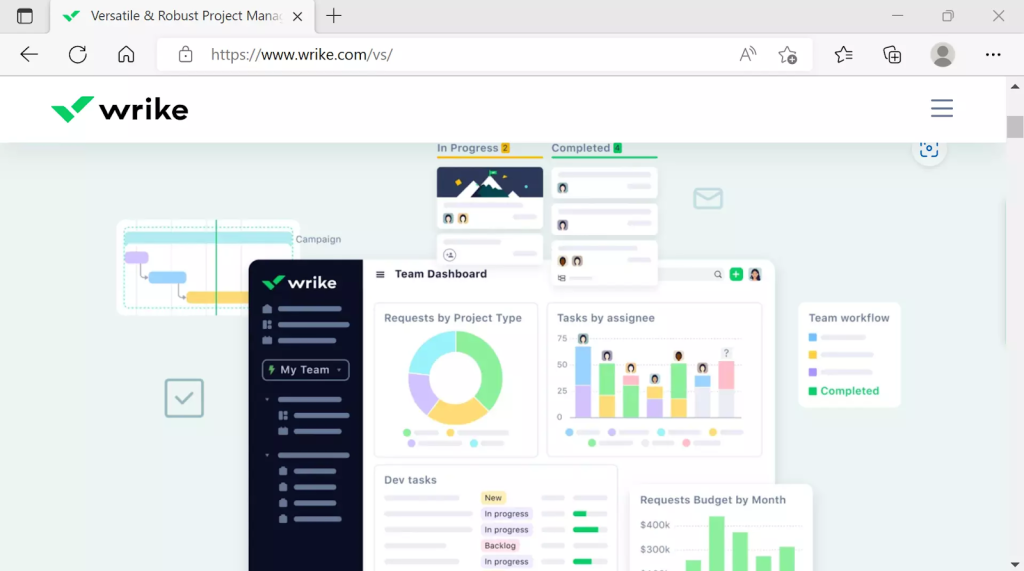
Wrike works with Gantt charts, dashboards, and time tracking to help teams manage complex projects more effectively. Wrike is popular with both marketing and professional services teams because of its use of tools to help teams be more productive.
Key Features
Wrike has various integrations, such as Slack and Google Workspace, as well as time trackers to help teams be more effective with their projects. Wrike provides an experience familiar to many teams by using the integrations that people use every day within similar software platforms like Adobe Creative Cloud.
9. Zoho Projects – Affordable and Resourceful PM Tool
Source: marketing91
Overview
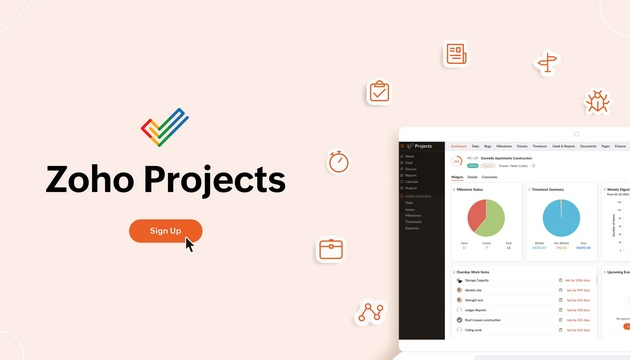
Zoho Projects is an inexpensive and resourceful platform. It includes task lists and milestone tracking, as well as issue tracking, time tracking, and reporting.
Key Features
Because it is integrated with the Zoho ecosystem, it is a good choice for SMEs who use other Zoho tools. The combination of low cost and functions makes this a solid option for teams that have many different departments.
10. Teamwork – Project Management Tool for Client Collaboration
Source: thedigitalprojectmanager
Overview
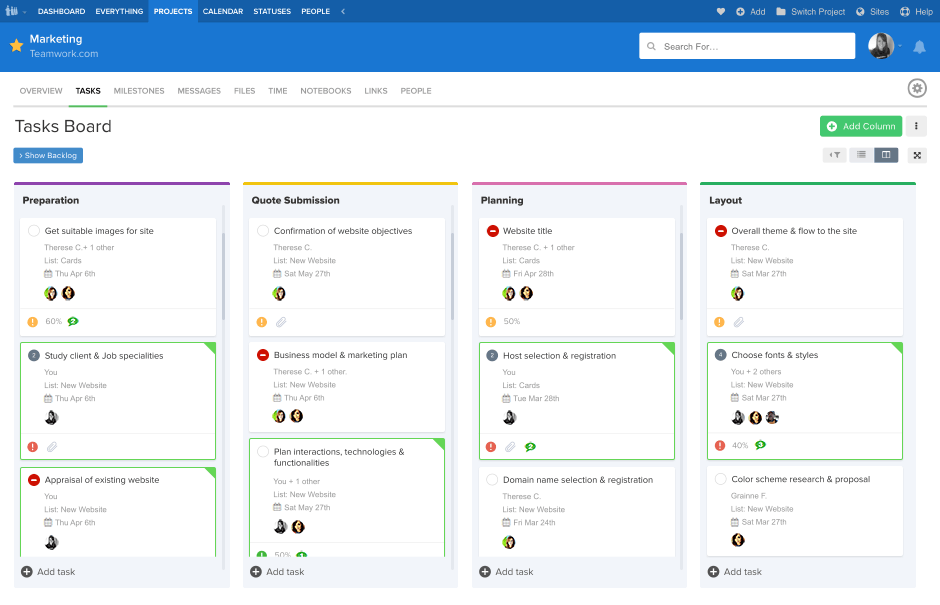
Teamwork is oriented towards client collaboration (especially for service-based businesses). It has a built-in project organization feature, several options for time tracking, client permission settings and invoicing, making it a great option for agencies.
Key Features
Teamwork has a special focus on transparency for clients and for the new internal team. The main benefit of Teamwork is for agencies that need to manage workflows internally and projects for clients, or a combination of both.
Why Businesses Need Project Management Tools
Businesses use project management tools to:
- Plan and schedule projects effectively.
- Assign resources and log usage.
- Easily collaborate with team members.
- Track progress in real time.
- Create reports to help inform decision-making.
- Automate the repetitive and take time off work.
These tools are essential for startups, SMEs and large companies.
How to Choose the Right Project Management Tool
When you’re considering a project management tool, think about:
- Size of Team: Quite simply, smaller teams will be able to achieve more with Trello or Basecamp.
- Complexity of Project: If you are utilizing Agile or a tech project, then Jira or ClickUp would be your tools of choice.
- Budget Constraints: Low-budget project management tools are Zoho Projects and ClickUp.
- Integration Options: Check for integrations with Slack, Google Workspace, and CRMs.
- Future Proof: Larger Enterprise Teams may use Monday.com/Smartsheet.
Conclusion
By 2025, project management tools will be necessary for any business that wants to improve productivity, collaboration, and timeliness to efficiently meet industry standards. The right tool helps ensure projects are completed on time with resource allocations performed efficiently and overall goals are aligned with the business. The following top 10 project management tools will provide Startups, SMEs, and Enterprises an appropriate mix of simplicity, automation, and scalability to stay relevant in a fast-moving environment.
FAQs
Q1. Are these tools convenient for remote teams?
Yes, all 10 top-rated project management tools facilitate remote collaboration, enable workers to access tools through the cloud, and many also provide mobile apps.
Q2. Do these tools have integrations?
Most of the tools will have integrations with popular tools like Slack, Google Workspace and Zapier, along with many CRM systems that can facilitate a streamlined workflow.
Q3. What is the best Agile project management tool?
Jira is usually considered the software of choice for Agile and for methodologies that use Scrum or Kanban.
Q4. Do any of them have free plans?
Yes, many of them have free plans that are limited in some way like Trello, Asana, ClickUp, and Zoho Projects.
Q5. How do I select which tool will work best for my business?
Things to consider are the size of your team and the detail or complexity of your projects, your budget, and if you need your project team to integrate with other tools. If you are uncertain, it would be helpful to try multiple tools to see what you like during the free trial period.